JavaScript
Important: You must obtain
customer_token,payment_secret, andpayment_idfrom your backend via a request to the/v1/payment-intentsendpoint before calling the SDK on the frontend.
Installation
Package Managers
bash
# NPM
npm install @arto-pay/js-sdk

# Yarn
yarn add @arto-pay/js-sdk
CDN (Script Tag)
Add the following inside your <head> tag or before the closing </body> tag:
html
<script
  src="https://cdn.jsdelivr.net/npm/@arto-pay/js-sdk@latest/dist/arto-pay-sdk.umd.js"
  data-client-key="pk_your_public_key_here"
  data-sandbox="true"
></script>
Integration Workflow
1. Backend Initialization (Create Payment Intent)
Before opening the modal on the frontend, your backend must request a payment_id, clientSecret, and customerToken from the ArtoPay API.
Important: Never call this endpoint directly from the frontend to avoid exposing your Secret Key.
javascript
// Backend Example (Node.js)
const response = await fetch('https://api.artopay.online/v1/payment-intents', {
  method: 'POST',
  headers: {
    'Content-Type': 'application/json',
    'X-Secret-Key': 'sk_live_xxxxxxxxxxxx'
  },
  body: JSON.stringify({
    amount: 100000,
    currency: 'IDR',
    orderId: 'ORDER-101'
  })
});

const { id, clientSecret, customerToken } = await response.json();
2. Frontend Implementation
A. Using Vanilla JS
When using the script tag, use the global ArtoPay object:
javascript
document.getElementById('pay-button').addEventListener('click', function() {
  ArtoPay.openPayment({
    token: "customer_token_from_backend",
    clientSecret: "payment_secret_from_backend",
    paymentId: "payment_id_from_backend",
    orderId: "ORDER-101",
    sandbox: true,
    onSuccess: (res) => console.log('Success:', res),
    onPending: (res) => console.log('Pending:', res),
    onError: (res) => console.error('Failed:', res)
  });
});
B. Using React / ES Modules
javascript
import ArtoPay from '@arto-pay/js-sdk';
import type { PaymentResult } from '@arto-pay/js-sdk';

const handlePayment = () => {
  // Global configuration
  ArtoPay.configure({ sandbox: true });

  ArtoPay.openPayment({
    token: "customer_token",
    clientSecret: "payment_secret",
    paymentId: "payment_id",
    orderId: "ORDER-101",
    onSuccess: (result: PaymentResult) => {
      alert(`Payment Successful: ${result.transactionStatus}`);
    },
    // ... other callbacks
  });
};
API Reference
ArtoPay.openPayment(options)
| Field | Type | Required | Description |
|---|---|---|---|
token | string | Yes | The customerToken received from your backend |
clientSecret | string | Yes | The clientSecret from the payment intent |
paymentId | string | Yes | The unique transaction ID (payment_id) |
orderId | string | Yes | Your internal system's order reference ID |
sandbox | boolean | No | Force sandbox mode (defaults to global config) |
onSuccess | function | No | Triggered when status is settlement or capture |
onPending | function | No | Triggered for waiting states (e.g., VA waiting for pay) |
onError | function | No | Triggered on failure, expiration, or cancellation |
Helper Methods
| Field | Type | Description |
|---|---|---|
ArtoPay.closePayment() | method | Programmatically closes the active modal |
ArtoPay.isPaymentOpen() | method | Returns true if the modal is currently visible |
ArtoPay.configure({ sandbox: boolean }) | method | Global SDK environment setup |
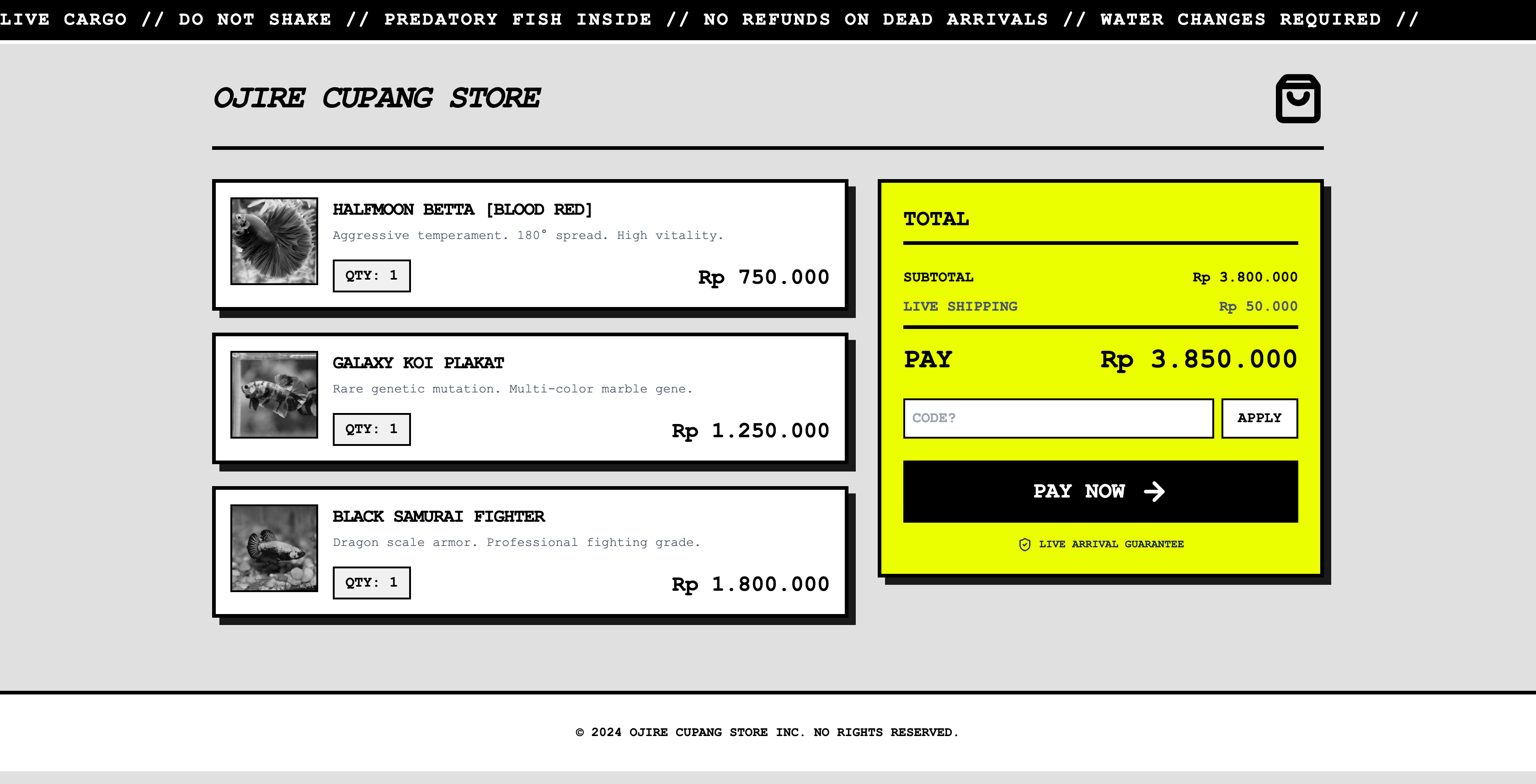
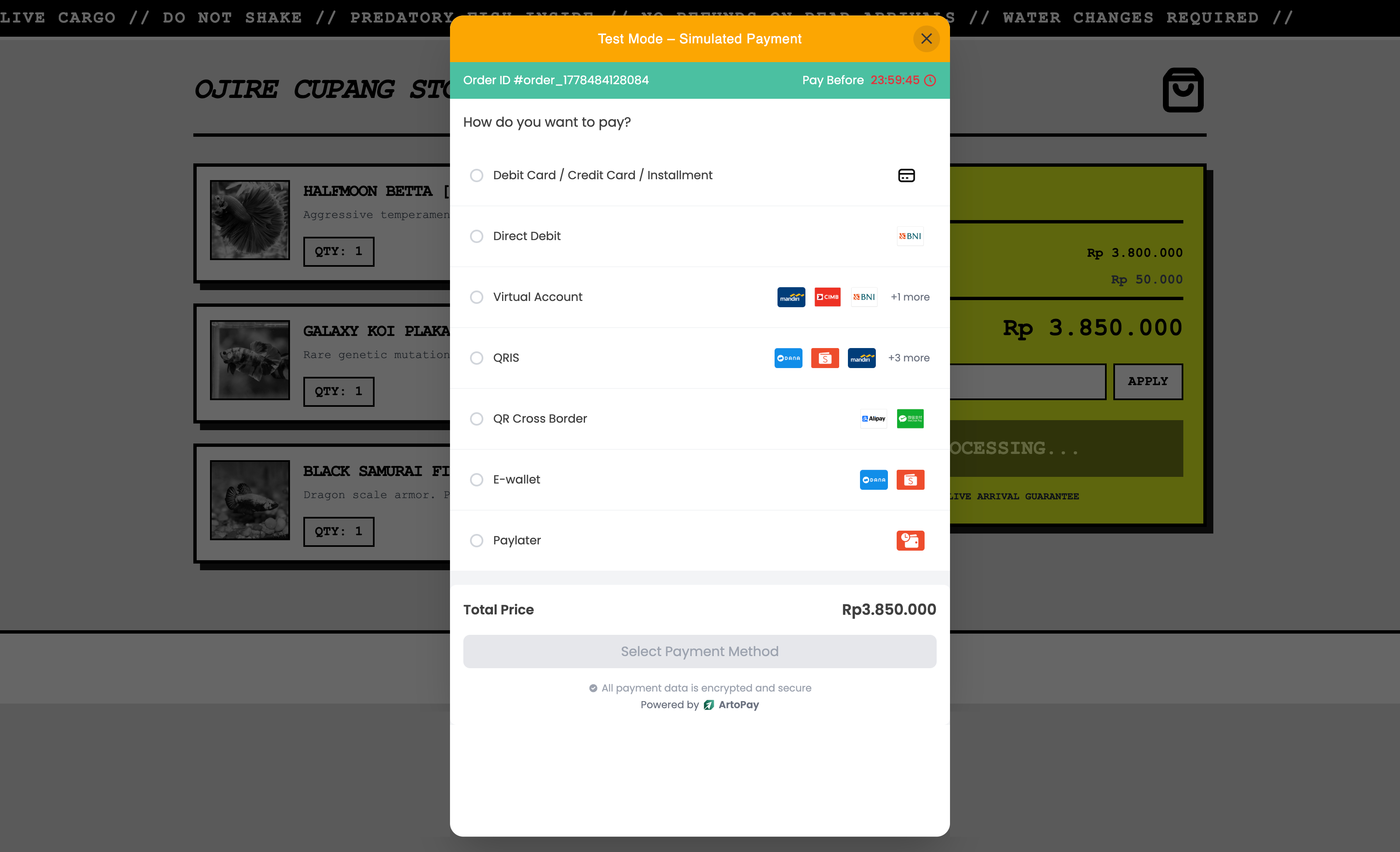
Example Pay Page